Bid Discovery
AI that finds the bids your company should win.
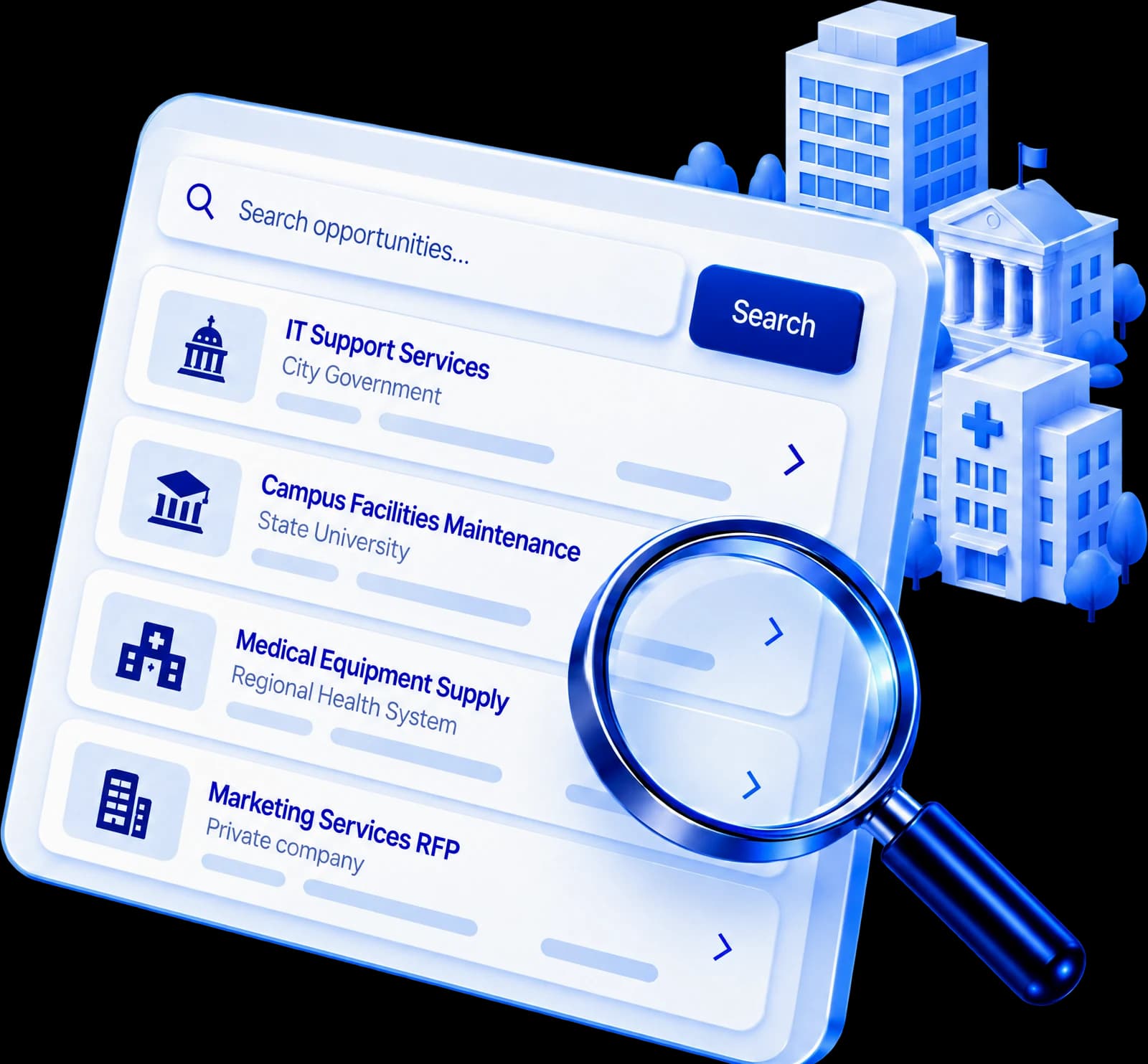
BidAuthor uses AI to read open bids from government agencies, schools, universities and other public buyers, ranks every one against your company, and puts the right ones in front of you, with less noise.
How Bid Discovery works
- Step 1
Profile
Tell BidAuthor what you do once: industries, keywords, certifications, states and past buyers. It can draft the profile from your own past bids and knowledge base.
- Step 2
Ranked feed
Every open bid is scored against your profile. Sort by fit or due date and filter by source, state, set-aside, buyer or deadline.
- Step 3
Pursue
Pick a bid and it becomes a proposal with its deadlines and documents attached, ready for BidAuthor to extract every requirement.
Fit evidence
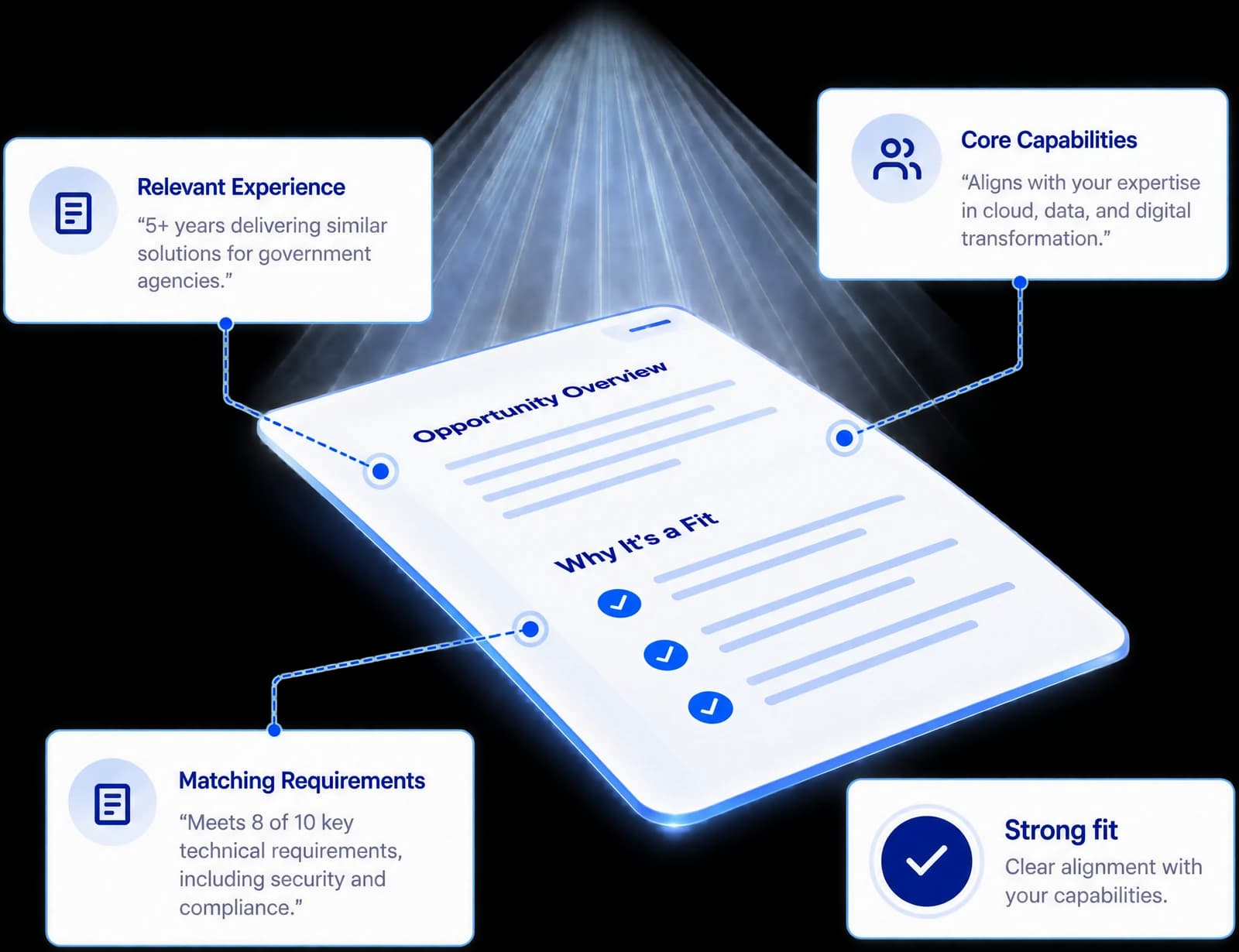
See why a bid matched before you read it
Each bid carries the reasons behind its score, a plain-English summary next to the original notice, and a bid / no-bid brief from Arthur when you ask for one.
- Matched industry codes, keywords and set-asides
- Days left to respond and a strong / possible / weak verdict
- A bid / no-bid brief from Arthur, recorded on the bid
Pipeline & alerts
Track every bid from considering to won
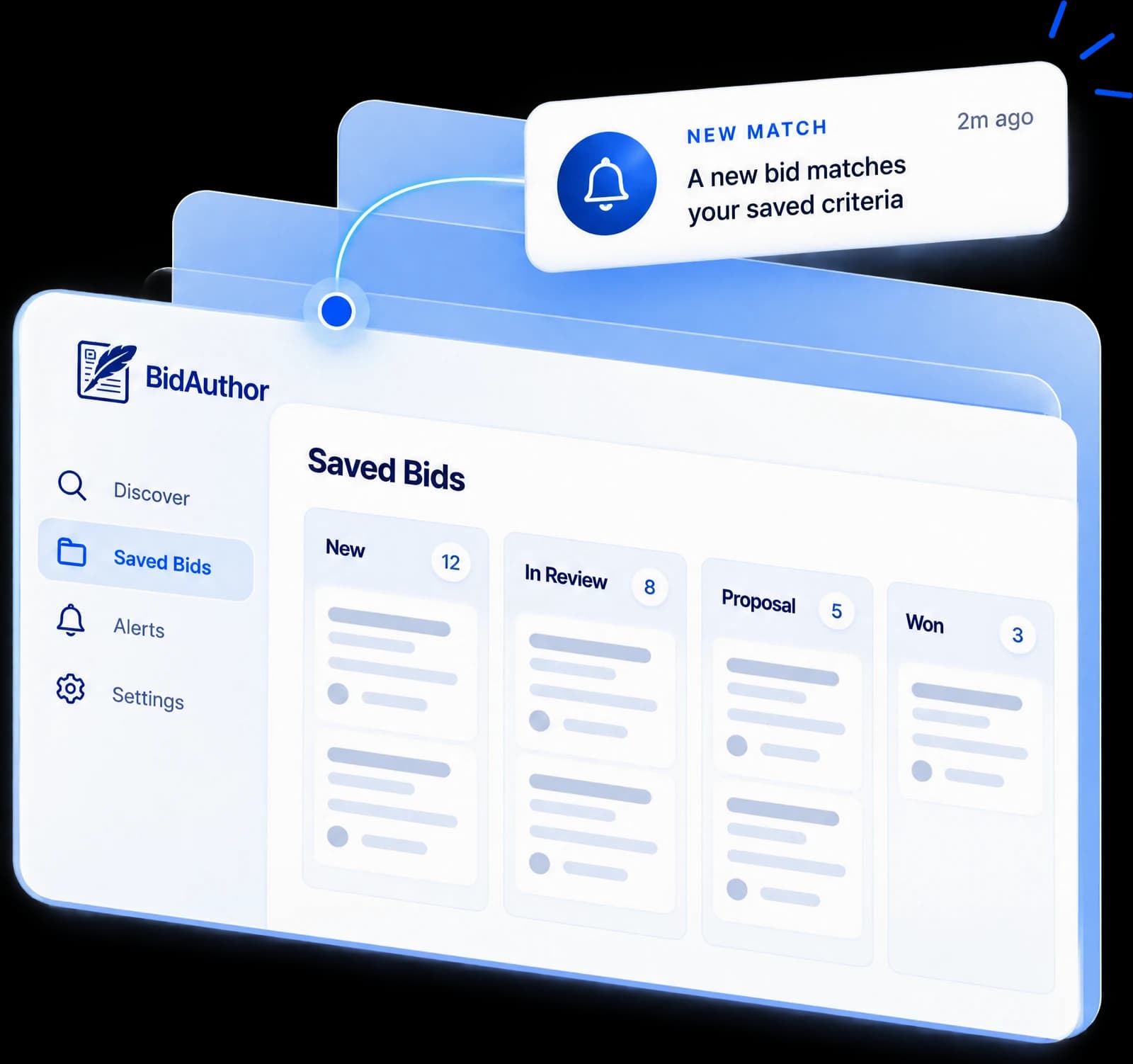
Save bids to your library and move them through each stage. BidAuthor flags the changes that matter while you decide.
- Stages from considering and qualifying to submitted, won or lost
- Alerts when a bid is amended, its deadline moves or a document is added
- Saved searches that show their new hits
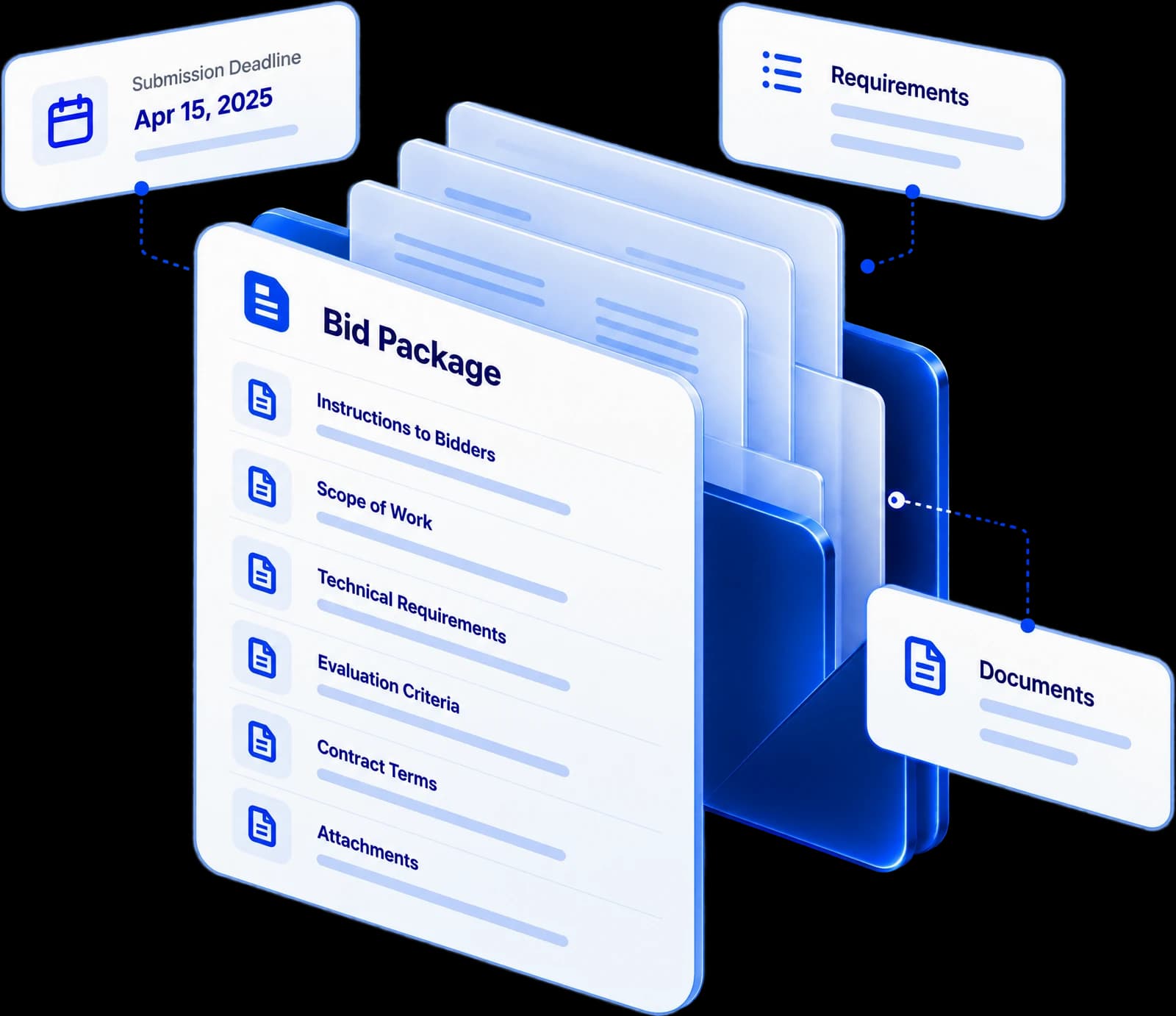
Bid packages
The whole package, not just the notice
See a bid's documents, fetch the latest versions and download them. When you pursue, the package comes with it.
- Solicitation, forms and addenda in one place
- One step from a bid to a proposal with its files attached
- Files behind a vendor login or paid download are marked, so you know to get them from the buyer
What Bid Discovery doesn't do yet
- Discovery lives in the BidAuthor app; the public API has no Discovery endpoints yet.
- Coverage of local buyers — cities, counties, school districts and special districts — is partial and growing.
- Some bid documents sit behind a vendor login, a paid download or a federal access request. Discovery shows the file exists; you get it from the buyer.
- A fit score ranks bids against your profile. The bid / no-bid decision stays yours.
Questions & answers
Where do the bids come from?
Bid Discovery reads open bids from federal, state and local government sources, schools and universities, public procurement platforms and international tenders into one feed. Coverage of local buyers is partial and growing. You can also add a bid yourself from its link.
How is the fit score calculated?
From your company profile: matching industry codes, keywords and set-asides, the states and buyers you care about, and how many days are left to respond. Every bid shows its verdict — strong, possible or weak — and a one-line reason.
Do I have to fill in the profile by hand?
No. BidAuthor can draft your profile from your own past bids and knowledge base. You review it and adjust the keywords, certifications and states before the feed is ranked.
Can BidAuthor write the proposal for a bid it found?
Yes. Pursuing a bid creates a proposal with its deadlines and documents attached, and BidAuthor extracts the requirements and drafts it like any other RFP. A pursued proposal uses credits like any proposal.
Can I get the bid documents through BidAuthor?
Usually. Discovery shows each bid's documents, fetches the latest versions and lets you download them. Some files sit behind a vendor login, a paid download or a federal access request; Discovery marks those so you know to get them from the buyer.